Session 1 · CREATE: Experiment
Your first stop-motion test
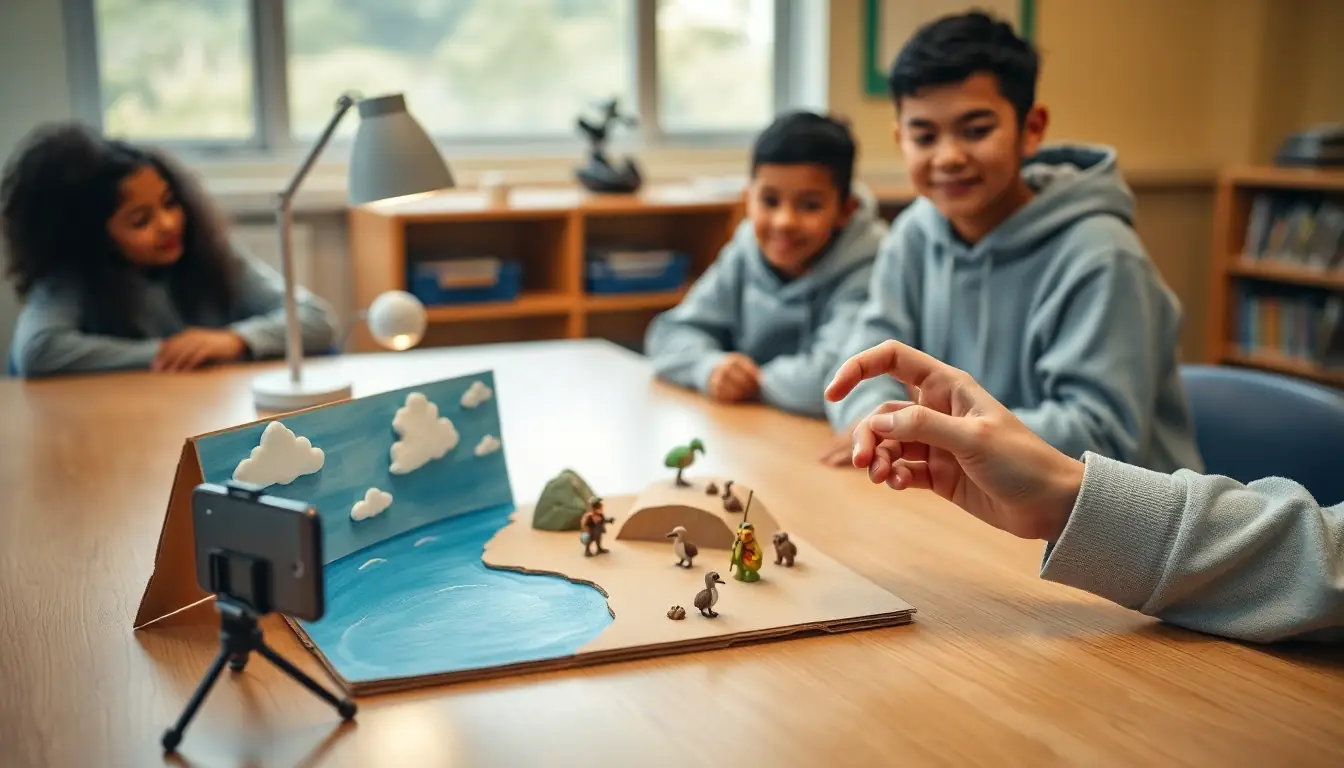
- 10 minSet up: fix the device on a tripod or book stack, tape it down, and set the app to about 10 frames per second. Turn on onion skin (a see-through view of the last frame).
- 15 minTest 1: make a coin, a bottle cap or a ball of plasticine move across the table in 20 frames. Try big moves, then tiny moves. Play them back.
- 15 minTest 2: make it speed up and slow down (ease in and ease out) by changing how far it moves each frame.
- 10 minShare tests. What makes movement look smooth? What makes it flicker? (Hands in shot, the camera moving, the light changing.)
Session 2 · CREATE: Experiment
Build a character
- 10 minChoose a technique: clay (plasticine over a wire or foil armature), cut-out paper with split-pin joints, or found objects and toys.
- 25 minBuild your character. Give it a clear shape so it reads on screen, and eyes that can change expression.
- 10 minAnimate your character doing one action: a jump, a wave or a squash-and-stretch bounce.
- 5 minDiary: sketch your character from the front and side, and write what it wants.
Getting started
Animate a plasticine ball bouncing in 12 frames.
Stretch
Animate a walk cycle: a character taking two steps that can loop.
Checkpoint
A playable movement test and a character that can hold a pose and move.
Activities for this week
- Frame rate test: How many pictures per second make movement look smooth?
- Clay or cut-out character: What makes a character easy to animate and fun to watch?
Useful this week
- Stop Motion Studio ↗ A free stop-motion app with onion skinning that runs on many school devices.
- Pencil2D ↗ Free, open-source software for hand-drawn animation.