
English · World 6 of 8 · Years 7–8
Fact or Fake? Media and Digital Literacy
Decode ads, camera tricks and viral posts, then make a short media piece that helps younger kids spot the difference.
Big question: How do media texts try to shape what we think, feel and buy, and how can we check what is true before we share it?
- You'll make
- A short media piece for younger students (a 60–90 second video explainer, an audio segment or a set of posters) that teaches one media-checking skill, with sources cited and every image credited.
- For
- A junior class at your school, and whānau through the school newsletter or website.
- Time
- 5 weeks · 2 sessions a week
Your mission
Why it matters
Whenever a big storm hits, the same fake photo of a shark swimming down a flooded road starts spreading again, often next to real photos of real floods. At the same time, your feed is full of videos where it is hard to tell whether someone is sharing an honest opinion or being paid to sell something. A junior class at your school has asked for help: how do you tell what is real online?
Most of what you learn about the world now reaches you through a screen, chosen by people and by computer programs you never see. Knowing how media texts are built, who made them and why, helps you enjoy them without being fooled. It also makes you a more trustworthy creator, because you'll check before you share.
Your first step
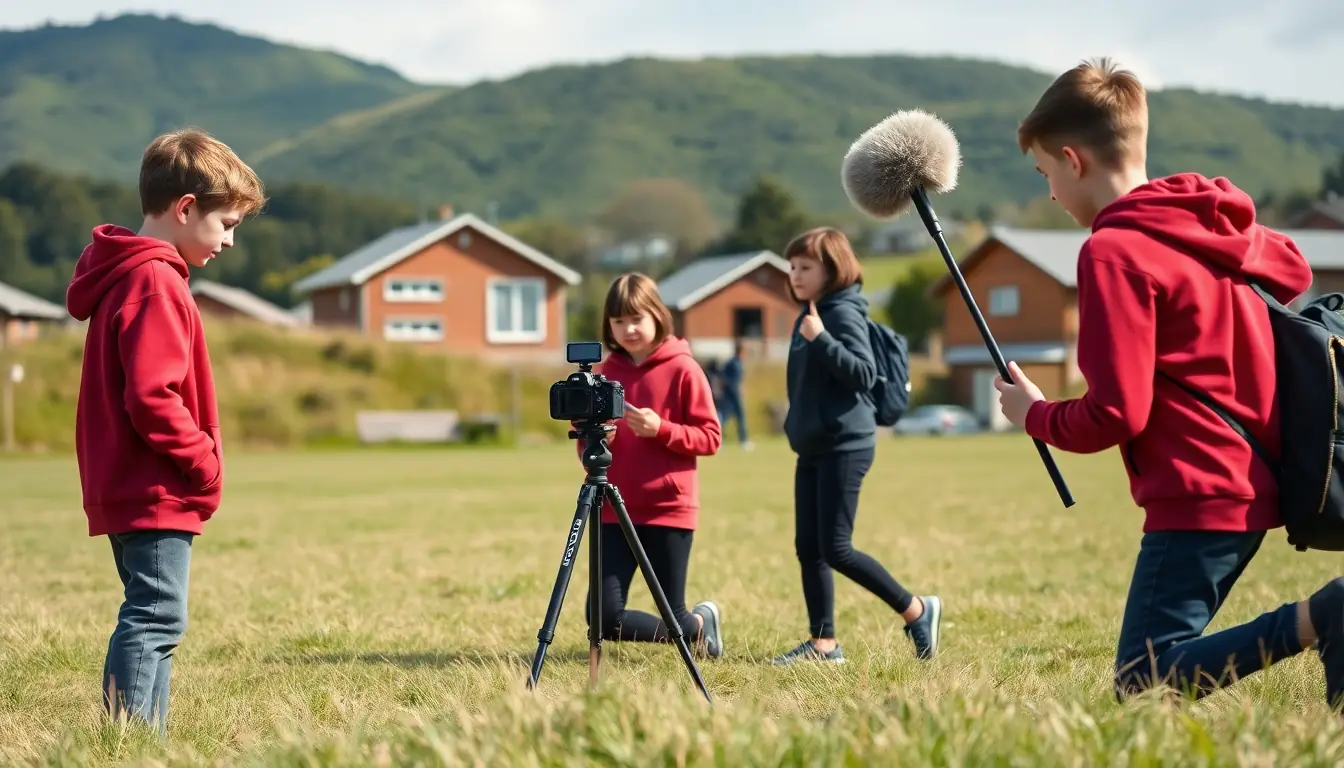
Keep a media diary for two days. Write down every media text you see or hear (ads, videos, posts, news, songs, signs) and who you think made it.
Make it yours
Choose a context
Same big question, three different places to explore it. Pick the one that fits your class and community.
Stormy weather, viral posts
Track how a local weather event or natural hazard is shown in the news, on council pages and in shared posts. Which images are real, which are old, and which are fake? Links to Social Sciences hazard learning.
Snacks, sneakers and influencers
Study how food, toys, games and clothes are advertised to people your age, from supermarket shelves to sponsored videos, and compare them with New Zealand's advertising rules for children.
Our place in the news
Pick a real story about your town, iwi, sports team or school and compare how different outlets, a community newsletter and people online tell it. Whose voice is heard, and whose is missing?
AUTHOR
Week by week
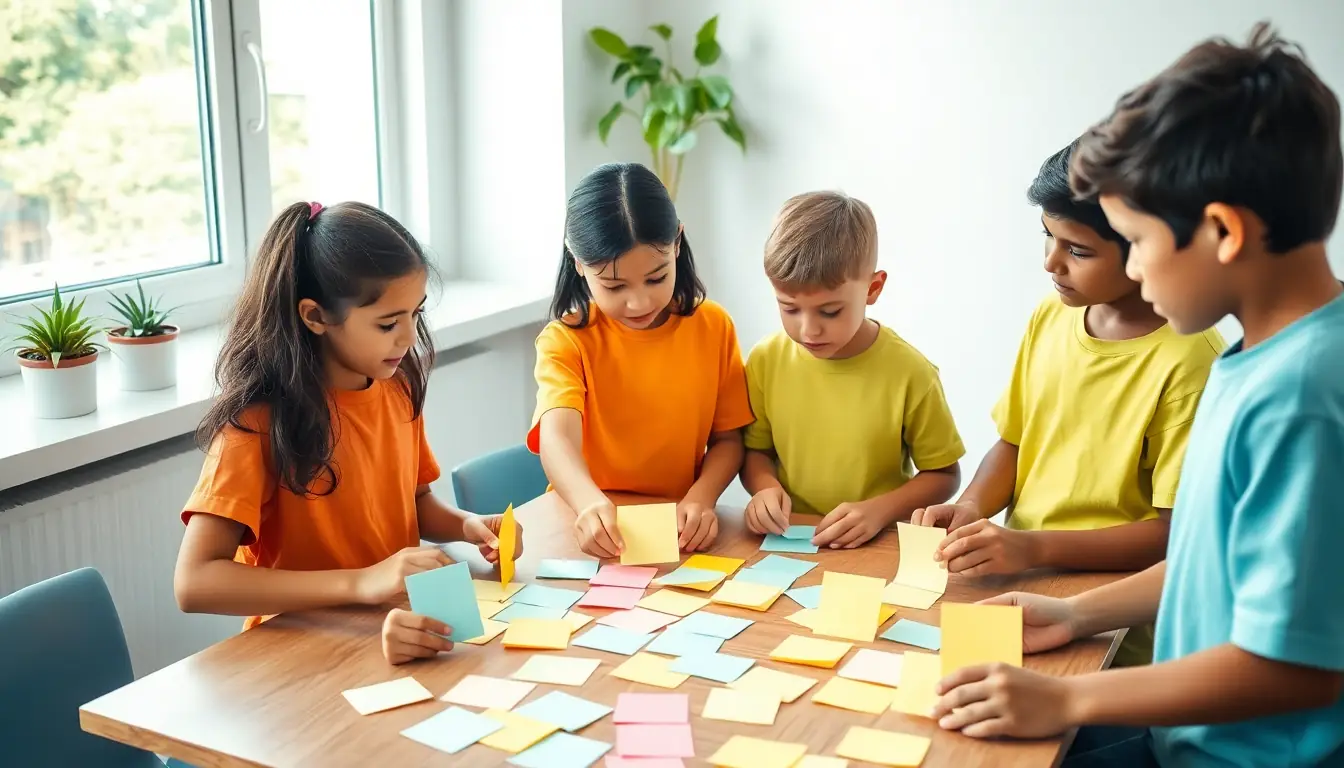
Two sessions a week, each with Getting started and Stretch support so the whole class works together.
- W1Media all around us: who makes it, and who is it for?Audience: Who is this for? · Understand: What is a media text?
- W2How feeds and cameras shape what we seeUnderstand: Feeds, algorithms and digital features · Techniques: Reading the camera
- W3Ads, influencers and different versions of the same storyTechniques: Ad autopsy · Hear Voices: Same story, three ways
- W4Checking claims and planning a media pieceHear Voices: Fact-check challenge · Organise: Plan your media piece
- W5Make it, share it, and hear what the audience learnedOrganise: Production day · Respond: Screening with the junior class
Hands-on
Activities
Investigations and projects that fit the weeks above. Open one to see what you need and how you'll know it worked.
Media diaryHow much media do we meet in two days, and who made it?Open
You need: media diary sheet or notebook · a pencil
- For two days, write down every media text you notice: ads, videos, posts, songs, signs, news, packaging.
- For each one, note where you saw it, who made it (if you can tell), and whether it wanted to inform, entertain or persuade.
- Mark with a star anything you didn't choose to see (it just appeared).
- Total your diary: how many texts? What share were ads?
- Write two sentences about what surprised you.
How you'll know: Your diary has at least 20 entries and you can point to patterns, not just a list.
Go further: Graph your diary by purpose and platform and compare it with a classmate's.
Fits week 1 →Shot detectiveHow do camera shots and angles change how we feel about the same subject?Open
You need: a phone, tablet or camera · a subject (a toy, a classmate who agrees, a school object) · shot cards
- Take a long shot, a medium shot, a close-up and an extreme close-up of the same subject.
- Take three more from a high angle, eye level and a low angle.
- Take one with the subject in the centre and one with it at the edge of the frame.
- Lay the photos side by side. For each, write one word for how it makes the subject seem.
- Choose the photo that best suits a 'hero' poster and explain why.
How you'll know: You can explain how a low angle makes a subject look powerful and a high angle makes it look small or weak.
Safety: Only photograph people who agree, and delete the photos at the end if they ask.
Go further: Recreate a famous film poster pose with a toy and match the angle and lighting.
Fits week 2 →Crop it two waysCan the same photo tell two opposite stories?Open
You need: two printed copies of the same busy photo (such as a crowd at a beach or a sports game) · scissors · paper and glue
- Study the whole photo. What is going on?
- Crop the first copy to tell a happy story. Keep only what supports it.
- Crop the second copy to tell a worrying story.
- Write a headline for each.
- Show a partner only the crops. What do they think happened?
How you'll know: Your partner believes two different stories, which proves that framing alone can change meaning.
Safety: Pass scissors handle first and cut on the desk, away from hands.
Go further: Find a real news photo and discuss what might be just outside the frame.
Fits week 2 →Ad autopsyWhat tricks does an ad use to make us want something?Open
You need: a teacher-chosen ad (print, video or packaging) · ad autopsy sheet · highlighters
- Name the product and the target audience. What clues tell you?
- Find the techniques: bright colours, a famous face, a catchy jingle, 'everyone has one', a free gift, before-and-after, a special offer.
- Write down every claim the ad makes. Which can be checked?
- Note what the ad leaves out (price, sugar, how long it lasts).
- Check it against one rule from the ASA Children's Advertising Code.
How you'll know: You can name at least three techniques and explain what each is meant to make the audience feel or do.
Go further: Design an honest version of the ad that still makes people interested.
Fits week 3 →Same story, three waysWhy do different media tell the same event differently?Open
You need: three versions of one local story (two news outlets and a community or council page) · comparison table
- Read all three versions once for the gist.
- Fill the table: headline, main photo, first sentence, who is quoted, strong-feeling words.
- Circle anything that appears in one version only.
- Decide which version is most neutral and which most emotional.
- Write a short paragraph explaining why the versions differ (purpose, audience, platform).
How you'll know: Your paragraph uses evidence from the texts, such as quotes and word choices, not just opinions.
Go further: Write a fourth version from the view of someone who was not quoted.
Fits week 3 →Fact-check stationsWhat checks help us tell a real claim from a fake one?Open
You need: five teacher-prepared claims or images · a class device for searching · fact-check record card
- Stop: before believing or sharing, note how the claim makes you feel.
- Investigate the source: who made it? What else have they made?
- Find better coverage: do trusted sources (RNZ, a council, a science organisation) report the same thing?
- Trace it back: where did the photo or quote first appear? Is it from a different place or year?
- Decide: true, false, misleading or not sure yet, and write your evidence.
How you'll know: Your verdict is backed by at least two pieces of evidence from outside the original post.
Safety: Search only on the class device with the teacher's guidance, and tell an adult straight away if something upsetting appears.
Go further: Create a new tricky claim for another group to check, with an answer key.
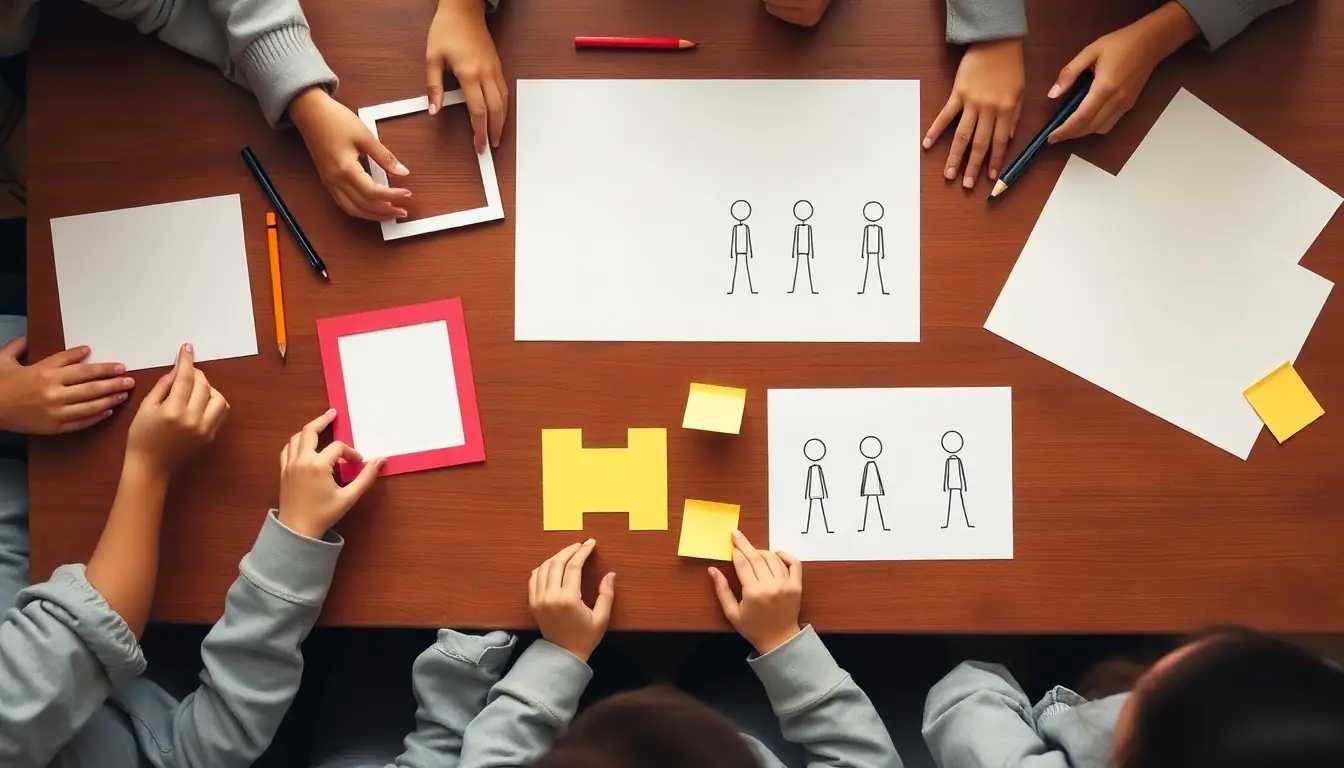
Fits week 4 →Storyboard and shootHow do we plan a short media piece that teaches one clear message?Open
You need: storyboard template · a phone or tablet · simple props · free editing app approved by the school
- Write your message in one sentence a six-year-old understands.
- Draw 6–8 frames. Label each with the shot type and what we hear.
- Film each frame in order, with at least three different shot types.
- Edit, then add credits for any music or images, with their licence.
- Test on one younger student and adjust.
How you'll know: A younger student can tell you the message after watching once.
Safety: Film on school grounds with permission. Don't share faces or names online without school and whānau consent.
Go further: Make a second version for whānau and compare how you changed it for a different audience.
Fits week 5 →Look closer
From the real world
Background reading
Read to understand
Short readings written for Kōkiri Learn students, with their sources.
- How media texts workEvery media text is made by someone, for someone, for a reason. Learn the key questions to ask about any ad, post or news story.
- Reading the camera: shots, angles and framingCamera choices make us feel things before any words are spoken. Learn the language of shots, angles, framing and colour.
- Ads and influencers: the art of persuasionAdvertisers use colour, music, famous faces and feelings to make products stick in our minds. Influencers are advertising too, and New Zealand has rules about it.
- Spot the fake: check before you shareMisinformation spreads fast because it grabs our feelings. Four quick checks can help you work out what's true.
Trusted NZ sites
Explore more
Placed at the stage of the journey where each one helps.
Audience
Advice for children and young people ↗Netsafe
New Zealand's online safety organisation, with advice written for your age.
Understand
Headspace Invaders ↗Netsafe
Interactive activities for exploring misinformation and online content.
Techniques
Influencers: identifying ad content ↗Advertising Standards Authority
The New Zealand rules for when a post is an ad and how it must be labelled.
Techniques
Children's Advertising Code ↗Advertising Standards Authority
The rules advertisers must follow when they target people under 16.
Hear Voices
Misinformation and fake news ↗Netsafe
How to spot fake news and what to do about it.
Hear Voices
The Edge of the Infodemic ↗Classification Office
Research on how misinformation affects people in Aotearoa.
Organise
About CC licences ↗Creative Commons
What the different Creative Commons licences let you do with images and music.
Respond
Checkology resources ↗The News Literacy Project
Extra news literacy lessons and tips for spotting fakes.
Understand
NZ On Screen ↗NZ On Air
New Zealand ads, news and TV to study as media texts.
Real audiences
- A junior class at a screening of the media pieces
- Whānau through the school newsletter or website
- School assembly, with a two-minute 'check before you share' segment
- The school's digital citizenship or student council group
Work with other schools
- Swap tricky claims with a class at another school and fact-check each other's, then compare verdicts and evidence.
- Compare how media in your region and a partner school's region reported the same national story.
- Co-build a shared online gallery of media pieces for junior classes in both schools, with the same credit and permission rules.
Stretch challenges
- Write a letter to a company about an ad you think breaks the Children's Advertising Code, using evidence from your autopsy.
- Research how AI can make fake images and voices, and add a 'spot the AI' tip sheet to your media piece.
- Interview a local journalist, council communications person or librarian about how they check facts.
- Build a class 'trusted sources' list for school research, with a reason for each source.
New Zealand Curriculum
What this world covers
Mapped to the refreshed Phase 3 statements. The whole class covers both the Year 7 and Year 8 sequences over two years.
English · Reading
How digital and media texts combine structural, visual and interactive features (angles, shots, framing, hyperlinks) to shape meaning and engage audiences
Year 8 sequence
English · Reading
Visual features in media texts and how media present people, ideas and events from particular perspectives
Year 7 sequence
English · Writing
Checking the validity of digital sources by examining authorship, evidence and bias, and citing sources and Creative Commons content responsibly
Year 8 sequence
Social Sciences · Civics and society
Media and trustworthy news
Year 7 sequence
Health and Physical Education · Health: bodies and minds
Reading food advertising and labels
Year 8 sequence
Technology · Digital technologies
Questioning information and AI-made content
Year 8 sequence
For teachers: how to run it
Prep: build a folder of safe, school-appropriate media texts in advance (print ads, TV ad clips from NZ On Screen, screenshots of posts with names blurred, two or three news reports of the same local event, and a known hoax image such as the flooded-road shark). Students should not need their own social media accounts, and many are under the minimum age for them; everything is studied from teacher-collected examples on the class device, in line with your school's digital citizenship agreement. Pre-check every clip for content and ads before showing it. Safety: Netsafe's advice on misinformation and its Headspace Invaders platform are designed for this age. Remind students never to post the media piece publicly with faces or names without school and whānau permission. Some misinformation topics (health scares, conflict, hate content) are distressing or divisive; keep examples low-stakes (weather, animals, products) and have a plan if a student raises something they saw online that upset them. Advertising: the ASA Children's Advertising Code (children means under 16) and the ASA influencer guidance give students real rules to test ads against. Differentiation: offer sentence frames for analysis ('The camera is placed… so the audience feels…'); strong students can compare three outlets and write a short media review; students who dislike being on camera can do voice-over, editing or posters. Kuaka may ask one question about how a group checked a claim; it does not check claims for them. Links: Social Sciences (media and trustworthy news, hazards), Health (reading food advertising) and Technology (questioning information and AI).
Plan this world into any term with the two-year planner. Students can record their thinking in their Kōkiri Learn portfolio.



Ready to run it with your class?
Free trial for NZ schools. One combined Years 7–8 class, any term.